Features
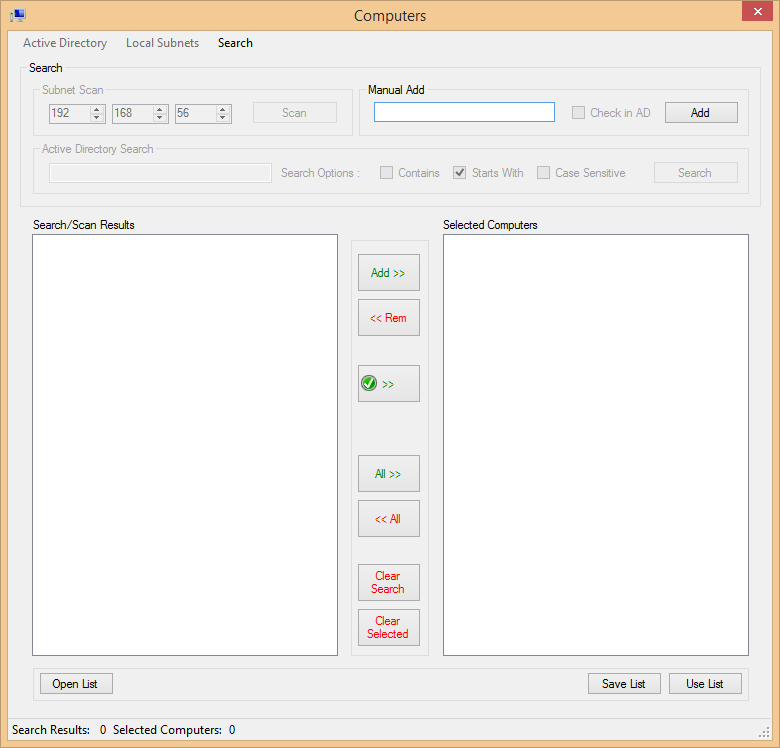
- Active Directory Support
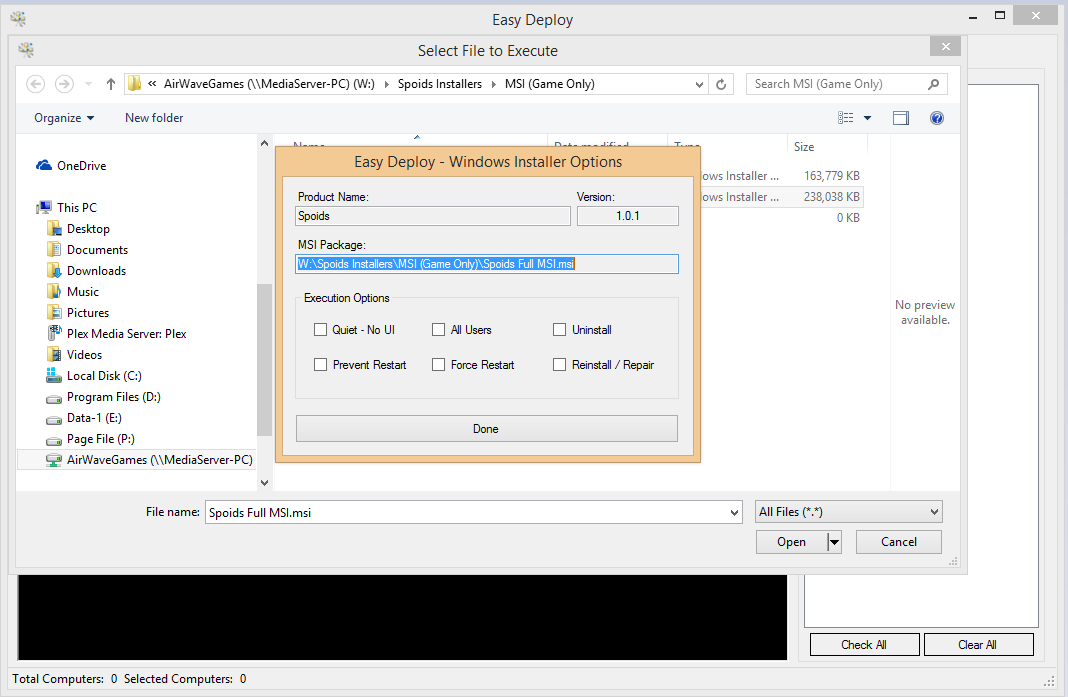
- Basic MSI Support
- IP Scanner
- PC List Builder
- List Ping
- Process Manager
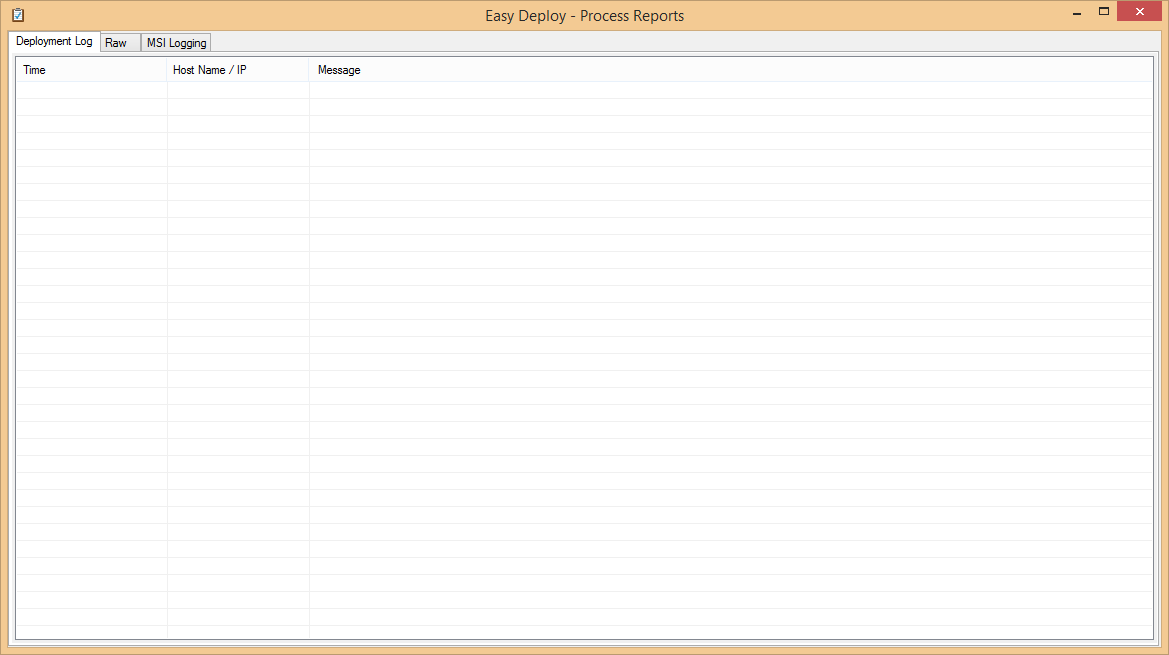
- Process Output Reporting
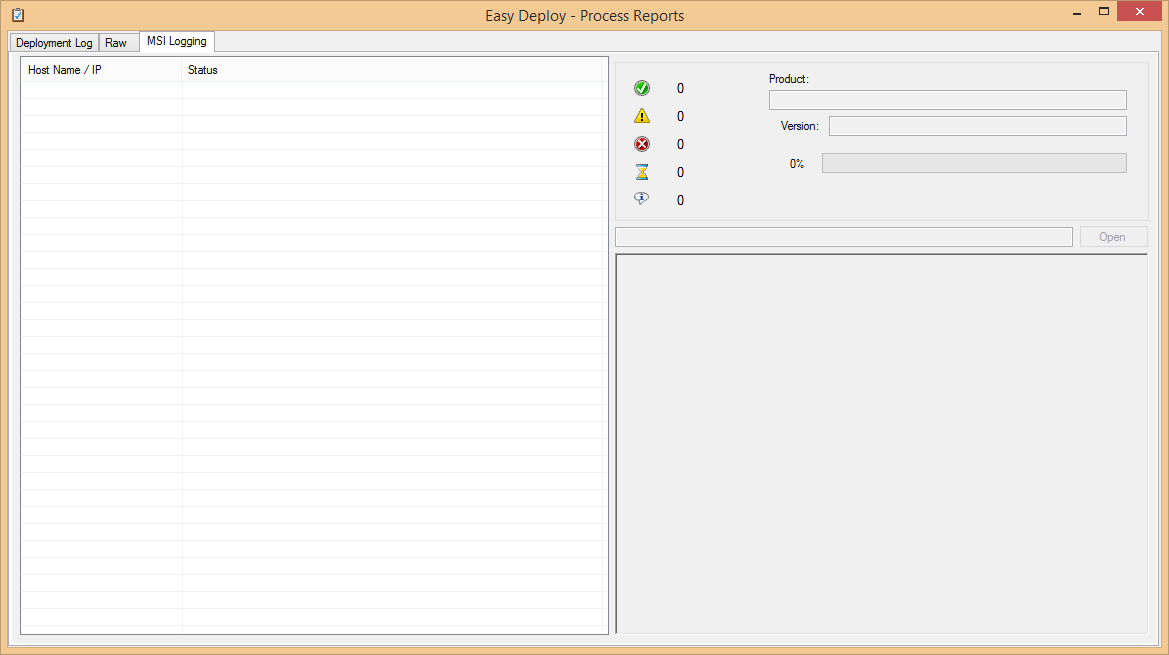
- MSI Success Reporting
- Computer Context Menu Tools
Free · Windows · Open Source
A modern front-end GUI for Sysinternals PsExec — with AD search, IP scanning, MSI deployment, and process reporting baked in.
Inspect, fork, or contribute to the project — pull requests welcome.
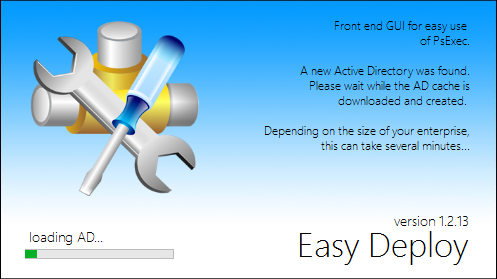
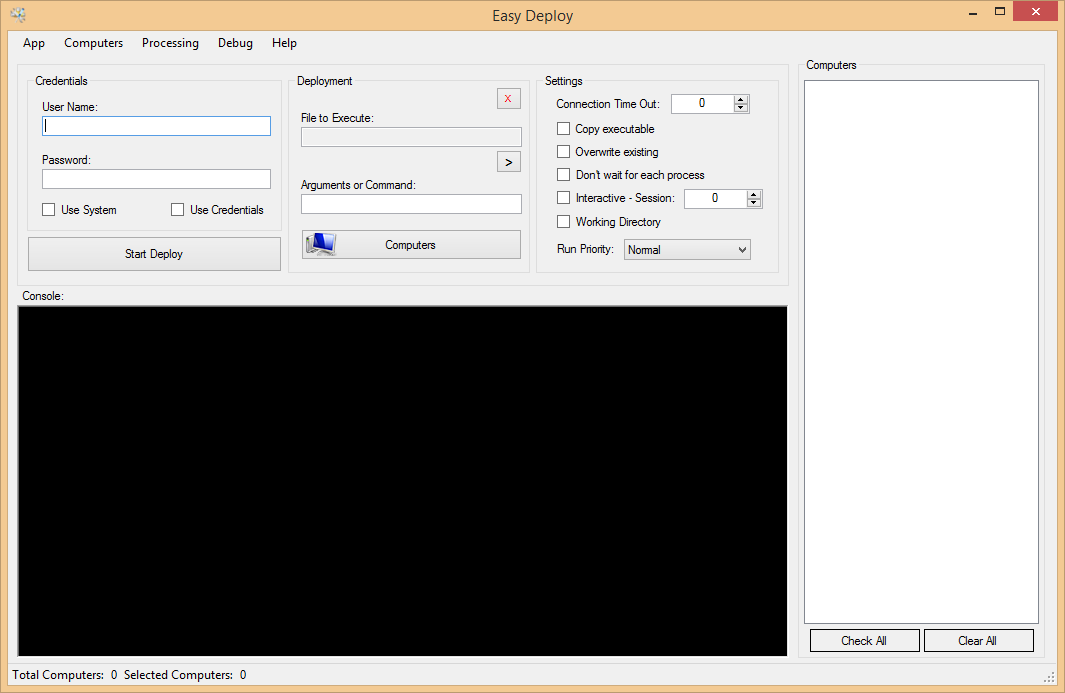
Easy Deploy is a front-end GUI for PsExec (from Sysinternals).
Easy Deploy was developed as a personal project to make my work as a computer technician faster and more reliable. It's an easy-to-use client for the popular command-line utility PsExec — and on top of that, it bundles several custom tools that make managing computers easier.
If you need assistance, send me a message via the Contact page. I'm glad to help and answer questions — please allow at least 24 hours for a response.
If this tool has helped you, consider making a donation to encourage further development.
Free to use. For IT professionals familiar with PsExec.
THIS SOFTWARE IS PROVIDED "AS IS" AND ANY EXPRESSED OR IMPLIED WARRANTIES, INCLUDING, BUT NOT LIMITED TO, THE IMPLIED WARRANTIES OF MERCHANTABILITY AND FITNESS FOR A PARTICULAR PURPOSE ARE DISCLAIMED. IN NO EVENT SHALL THE REGENTS OR CONTRIBUTORS BE LIABLE FOR ANY DIRECT, INDIRECT, INCIDENTAL, SPECIAL, EXEMPLARY, OR CONSEQUENTIAL DAMAGES (INCLUDING, BUT NOT LIMITED TO, PROCUREMENT OF SUBSTITUTE GOODS OR SERVICES; LOSS OF USE, DATA, OR PROFITS; OR BUSINESS INTERRUPTION) HOWEVER CAUSED AND ON ANY THEORY OF LIABILITY, WHETHER IN CONTRACT, STRICT LIABILITY, OR TORT (INCLUDING NEGLIGENCE OR OTHERWISE) ARISING IN ANY WAY OUT OF THE USE OF THIS SOFTWARE, EVEN IF ADVISED OF THE POSSIBILITY OF SUCH DAMAGE. THIS SOFTWARE IS PROVIDED AS-IS WITHOUT ANY GUARANTEES OR WARRANTIES OF WORKMANSHIP.
BY DOWNLOADING THIS SOFTWARE, YOU ARE SOLELY RESPONSIBLE FOR THE ACTIONS THAT YOU INITIATE IT TO PERFORM. IF YOU DO NOT KNOW WHAT THIS SOFTWARE IS USED FOR, DON'T DOWNLOAD IT. IT IS DESIGNED TO BE USED BY I.T. PROFESSIONALS WHO UNDERSTAND THE CONSEQUENCES OF PERFORMING SYSTEM MANAGEMENT TASKS.
Recommended for most users. Includes PsExec.exe and RDPWinst.exe.
Download ed.zipNote: downloading with RDPWinst.exe may trigger a "dangerous or malicious file" alert — this is a false positive.
Just the EasyDeploy executable. You'll provide your own PsExec.exe and RDPWinst.exe.
Download ed-only.zipYou must download PsExec.exe and RDPWinst.exe and place them in the same directory as Easy Deploy.exe.
Click any image to view full size.